
Wordpress Site Health
Understand WordPress Site Health: how the Status and Info pages work and why regular checks keep your website fast and secure.
Search portal content
Search portal content
Understand WordPress Site Health: how the Status and Info pages work and why regular checks keep your website fast and secure.
Understand WordPress Site Health: how the Status and Info pages work and why regular checks keep your website fast and secure.
What is Site Health?
Status Page
Info Page
Why Site Health Matters
Yoast SEO & Site Health
Final Thoughts
Starting from WordPress 5.2, a powerful feature called Site Health was introduced.
This tool continuously monitors your website and provides:
Performance insights
Security recommendations
Notifications from WordPress and plugins
👉 Think of it as your website’s built-in health check (without the waiting room).
Site Health is a diagnostic tool that helps you understand how your WordPress site is performing.
It consists of two main sections:
Status → Overall health + recommendations
Info → Detailed technical configuration
📍 You can find it here: WordPress Dashboard → Tools → Site Health

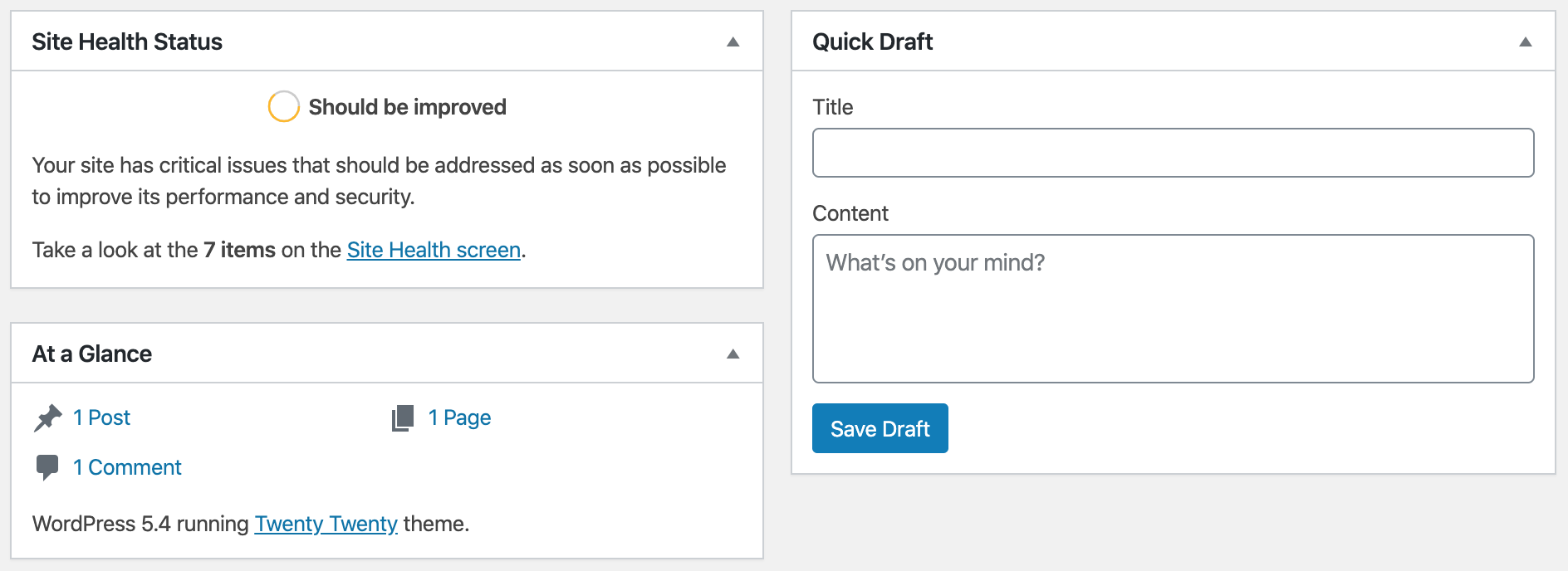
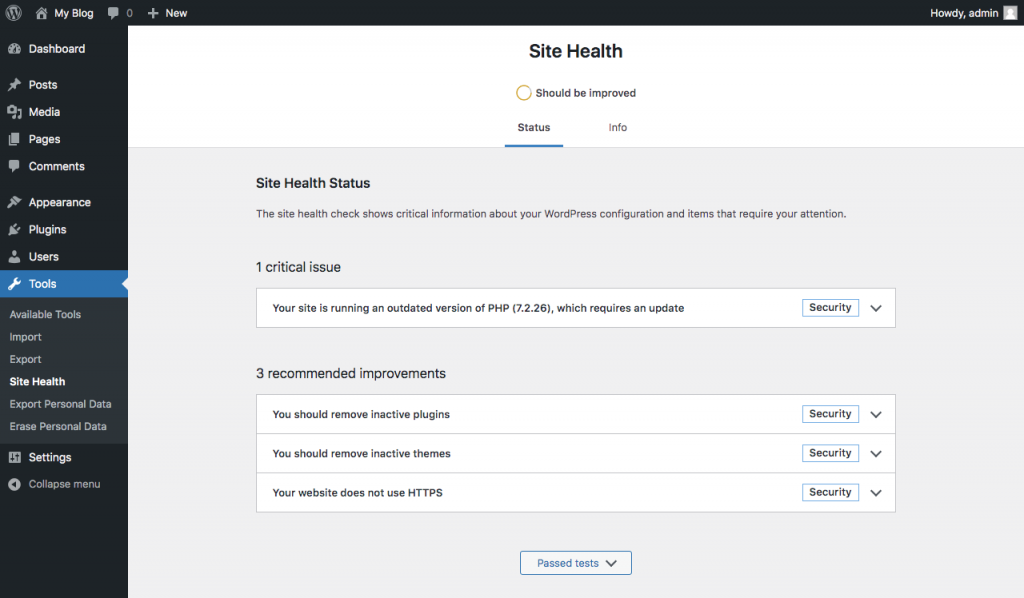

The Status page analyzes your website’s:
⚡ Performance
🔒 Security
⚙️ Configuration
At the top, you’ll see a color indicator:
🟢 Good = You’re doing great
🟠 Needs improvement = Some tuning needed
🔴 Critical = Time to roll up your sleeves
Each issue can be expanded for:
Detailed explanation
Suggested fixes
Links to documentation


The Info page gives you a full technical overview of your website, including:
Server configuration
WordPress setup
Active plugins & themes
Database details
👉 This is extremely useful when:
Contacting support
Troubleshooting issues
Working with developers
💡 Pro tip: You can copy this info with one click and share it instantly.
Ignoring Site Health is like ignoring your car’s warning lights… it works—until it doesn’t 🚗💥
Site Health helps you:
Prevent performance issues
Improve security
Keep your site up-to-date
Avoid plugin conflicts
Detect problems early
👉 It doesn’t just show problems—it tells you how to fix them.
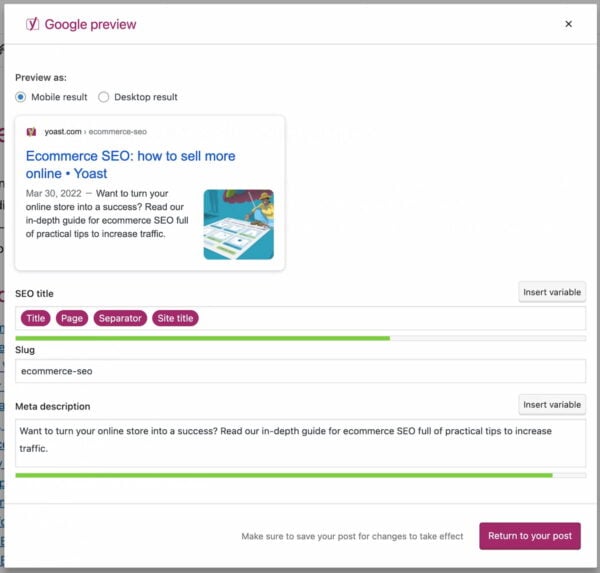
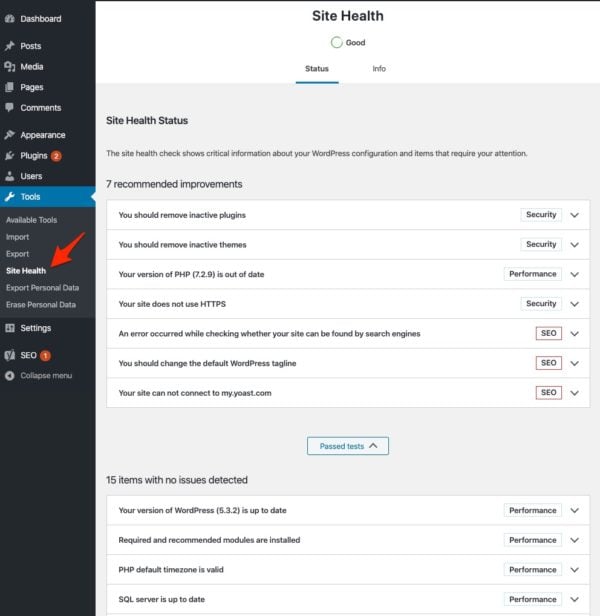
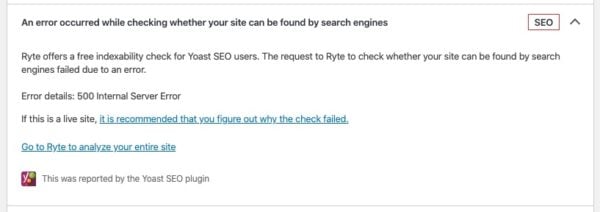
Plugins like Yoast SEO integrate directly with Site Health.
For example, Yoast adds checks for:
Permalinks
Comment settings
Default tagline
Indexability (Ryte integration)
👉 More and more plugins are using Site Health as the central place for diagnostics.
Site Health might not scream for attention, but it’s one of the most important tools in WordPress.
It keeps your site fast
It keeps your site secure
It keeps your plugins honest 😏
👉 Make it a habit to check Site Health regularly.
📍 Find it via Tools → Site Health
🔍 Check the Status tab for issues
🧾 Use the Info tab for debugging
🔄 Review it regularly to keep your site healthy